One minute
Contact sheet from terminal
The following tutorial explains how to generate a contact sheet from a pdf (or from several images).
sudo apt-get install imagemagick
The imagemagick library is a very handy tool for graphics editing (go to site). Particularly, it is useful for repeated tasks.
In this example, the pdf file contains 12 pages (see screenshot below).
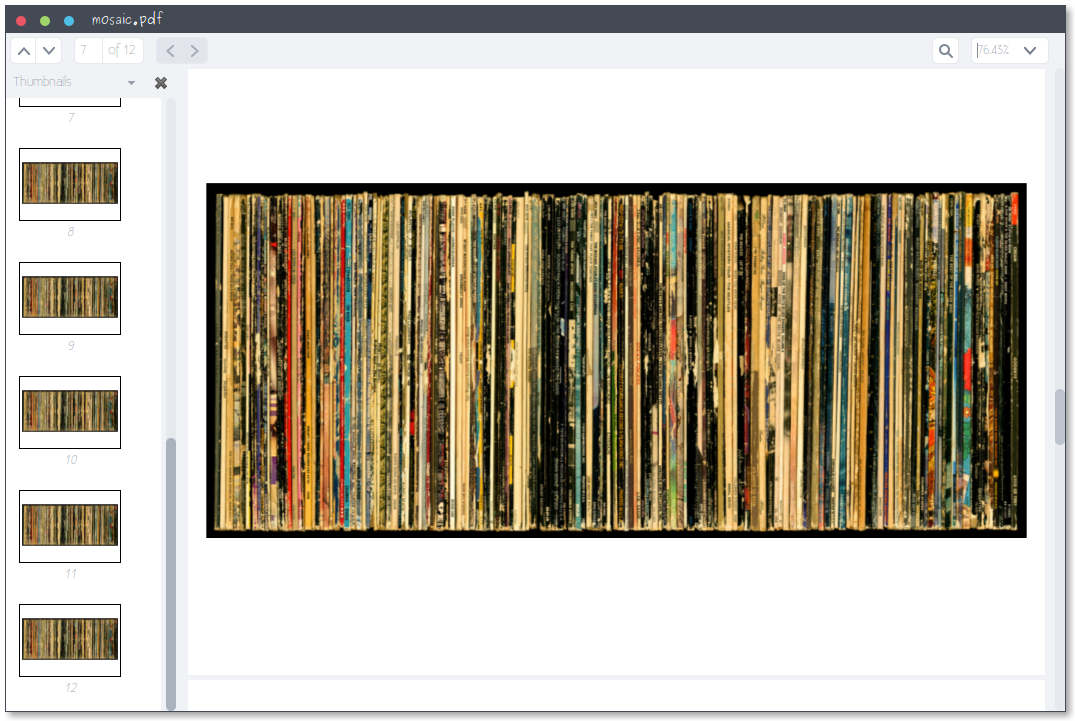
With convert, the pdf is splitted into individual images.
 convert mosaic.pdf file.png
 convert --help
 convert mosaic.pdf -crop 842x480+0+70 file.png
Properties of the images can be seen with identify.
identify file-0.png
And finally, the contact sheet is generated using montage.
montage -verbose -geometry 400x400+0+0 -background '#ffffff' -fill 'gray' file*.png contact.png
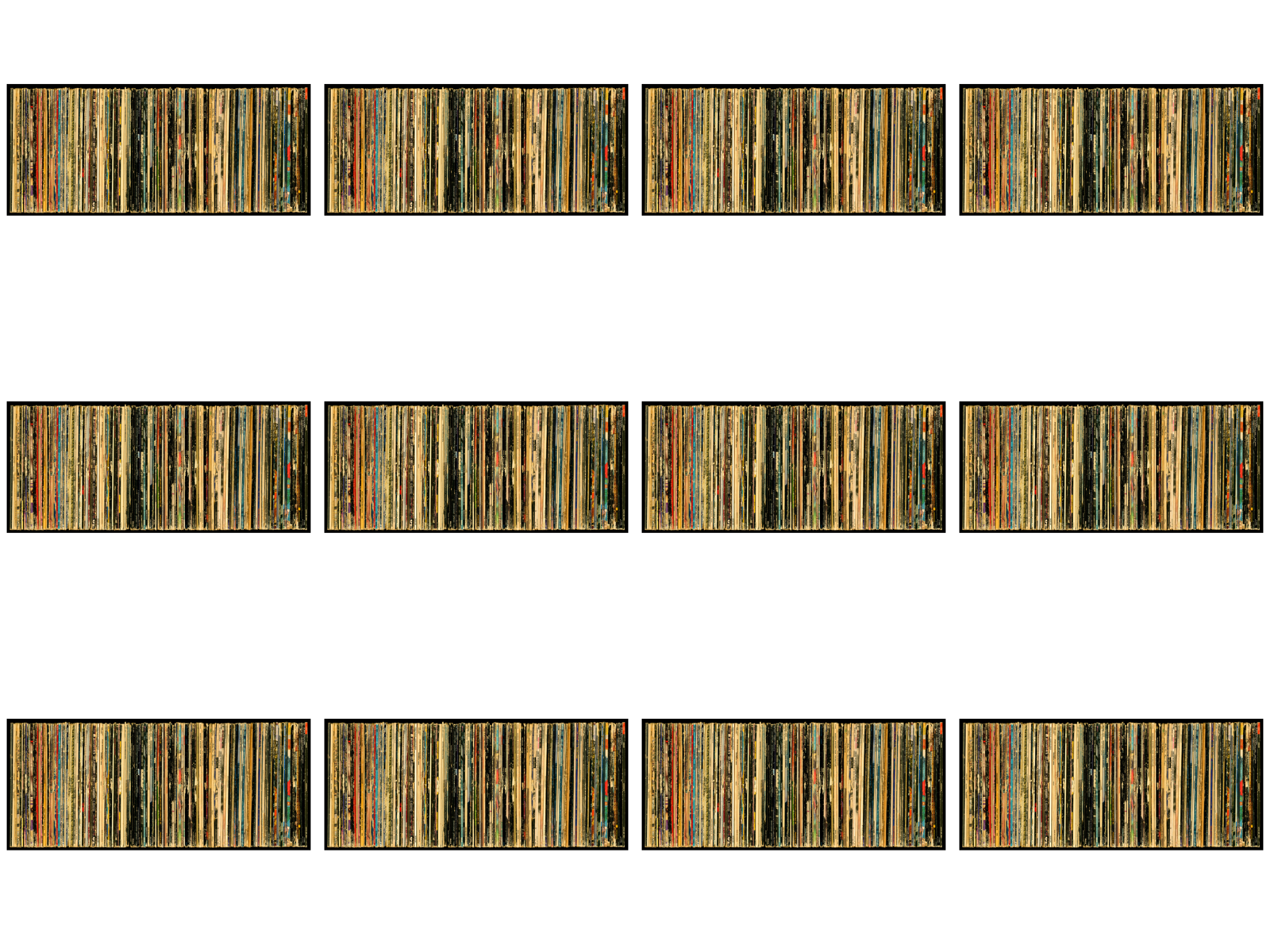
If the files are not necessary, these might be removed.
rm file*
I hope this has been useful.
Read other posts